
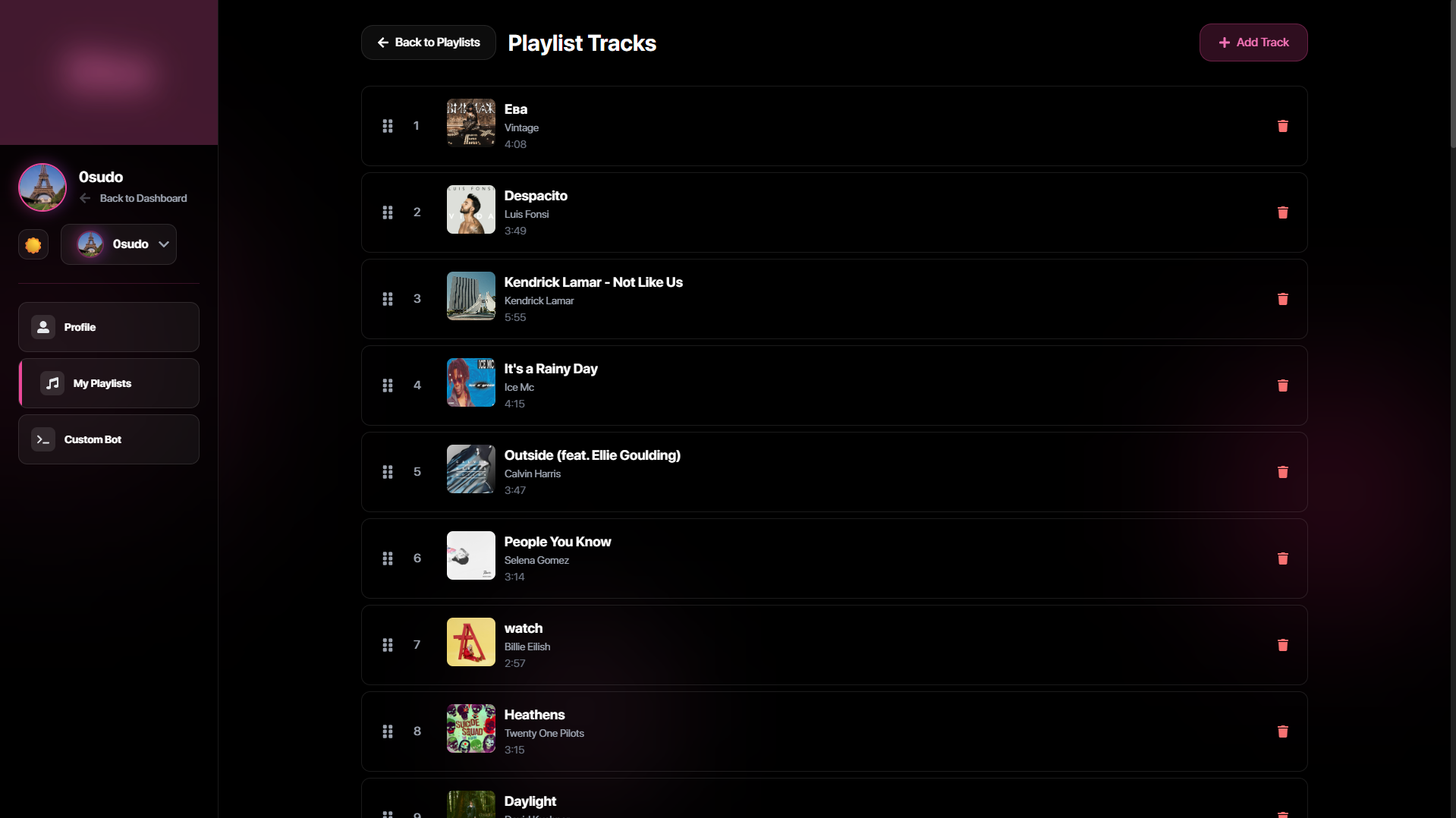
In today’s digital age, music streaming has become an integral part of our daily lives. Spotify, a leading platform in this realm, offers a vast library of music that caters to diverse tastes. Meanwhile, Discord, known for its robust communication capabilities, has gained popularity as a platform for gamers, communities, and professionals to connect. Combining Spotify and Discord can significantly enhance the user experience, bringing music into conversations and group activities. This article explores how to unlock the full potential of Spotify on Discord, providing users with a seamless and enriched auditory experience.
Why Integrate Spotify with Discord?
Integrating Spotify with Discord opens up a world of possibilities for users who want to enhance their social interactions with music. Here are some key benefits:
- Shared Listening Experience: Listen to music together with friends or community members in real-time, creating a shared experience that is both fun and engaging.
- Enhanced Communication: Music can serve as a backdrop for discussions, gaming sessions, or even study groups, setting the mood and fostering a more immersive environment.
- Easy Access: Quickly share and discover music tracks directly within your Discord server without switching between apps.
For more insights on optimizing your Discord experience with Spotify, find out more about this approach.
Getting Started: Connecting Spotify to Discord
Step-by-Step Guide
Setting up Spotify on Discord is straightforward. Follow these steps to integrate them seamlessly:
- Open Discord: Launch your Discord application on desktop or mobile.
- Access User Settings: Click on the gear icon next to your username to open the User Settings menu.
- Navigate to Connections: In the User Settings, find and select ‘Connections’.
- Link Spotify Account: Click the Spotify logo and follow the prompts to log in and link your account.
Once connected, you can share your listening activity on your Discord profile, allowing others to see what you’re enjoying in real-time. Explore advanced guides and tips to maximize this feature.
Optimizing Your Spotify-Discord Experience
Utilize Bots to Enhance Capabilities
While the basic integration provides a great start, using Discord bots can further enhance your Spotify experience:
- Music Bots: Add bots like Rythm or Groovy to your server to play Spotify tracks directly in voice channels.
- Queue Management: Use bots to create and manage a queue of songs, allowing community members to add their favorite tracks.
- Playlist Integration: Sync your Spotify playlists with Discord, enabling easy access and group listening sessions.
To learn about tailored solutions for integrating bots and enhancing your server, delve into specialized resources available online.
Privacy and Control
Maintaining privacy while using Spotify on Discord is essential. Users can adjust their settings to control what information is shared:
- Activity Status: Choose whether to display your Spotify activity to others on Discord.
- Server-Specific Sharing: Customize which servers have access to view your listening activity.
- Account Settings: Regularly review and update your connection settings to maintain optimal privacy levels.
For expert strategies on maintaining privacy while maximizing functionality, discover expert strategies here.
Conclusion
Integrating Spotify with Discord offers a unique and enriching way to enjoy music while staying connected with friends and communities. By following the steps to set up and optimize this integration, users can transform their listening and social experiences. Whether you’re hosting a virtual party, studying with friends, or simply sharing your latest music discoveries, combining Spotify and Discord opens new avenues for interaction and enjoyment. By keeping privacy controls in mind and exploring additional tools like bots, users can tailor their experience to suit their needs. Learn about our tailored solutions and embark on this musical journey today.
